
Inbox scan
Connect Gmail or Outlook. We read receipts, not your whole life.
 Unwanted Subscription
Unwanted Subscription
Find forgotten subscriptions, see what they cost, and cancel them. Netflix, Spotify, Adobe, and the rest.
iPhone and iPad. Free to start.
Connect Gmail or Outlook. We read receipts, not your whole life.
Sign in through Plaid. We never see the password. Recurring charges show up on the list.
Drop in a PDF. Recurring charges get matched to known merchants.
Exact steps for Netflix, Spotify, Apple, Adobe, and the rest.
Know before the next charge hits , then mark it canceled.
Your list stays on the iPhone. We don’t keep the emails we read.
Streaming, software, gyms, news, VPN , if it renews, we know it.
Home
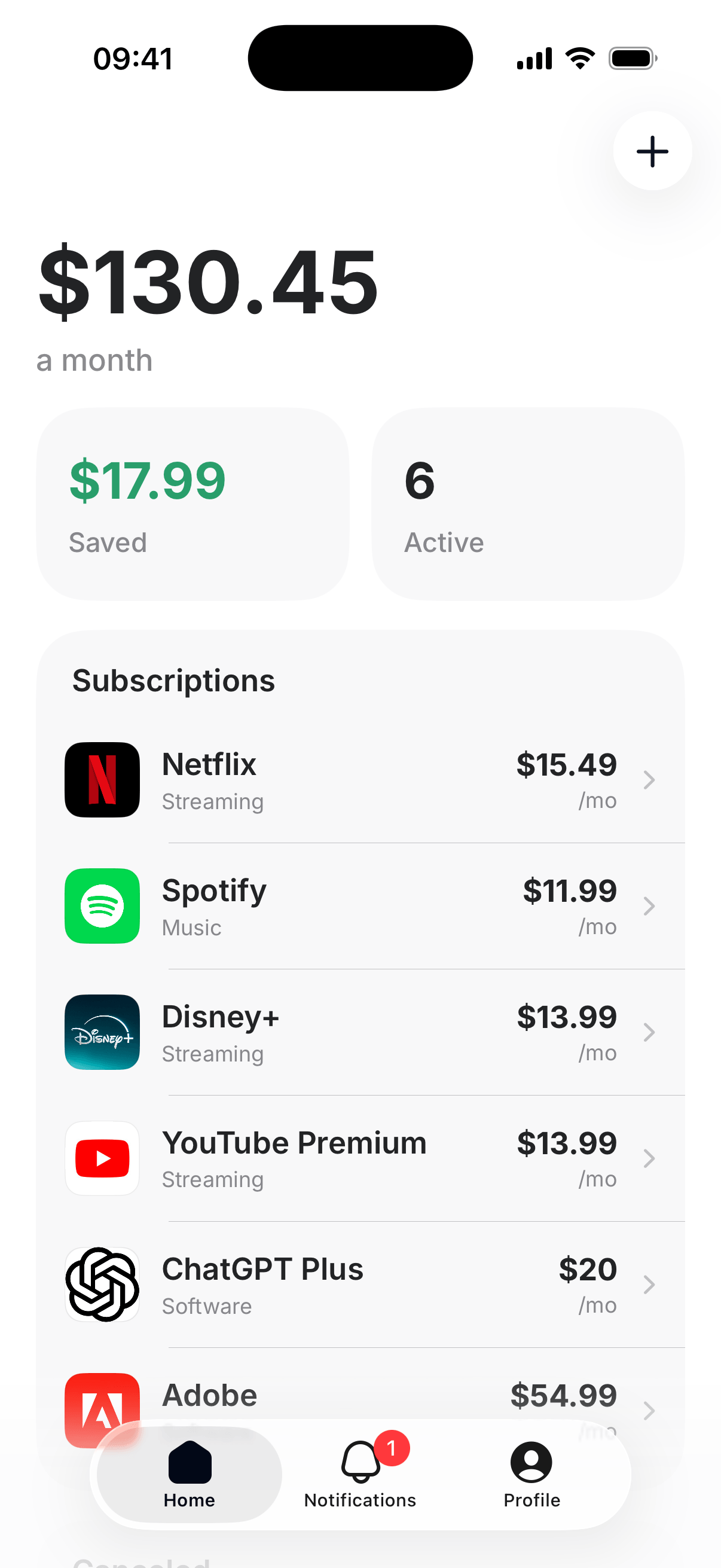
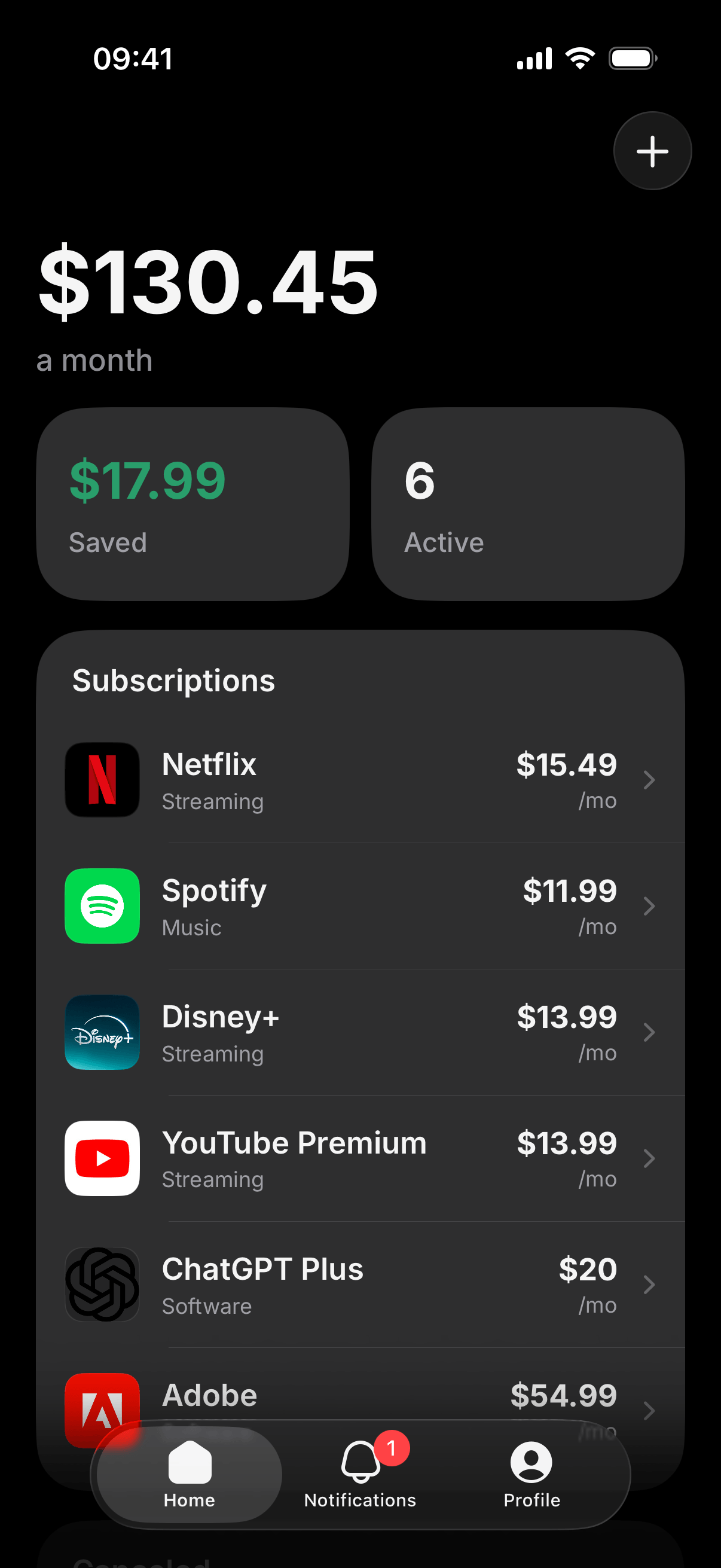
Every active subscription in one list. Amounts, logos, and a total that is hard to ignore.
Scan
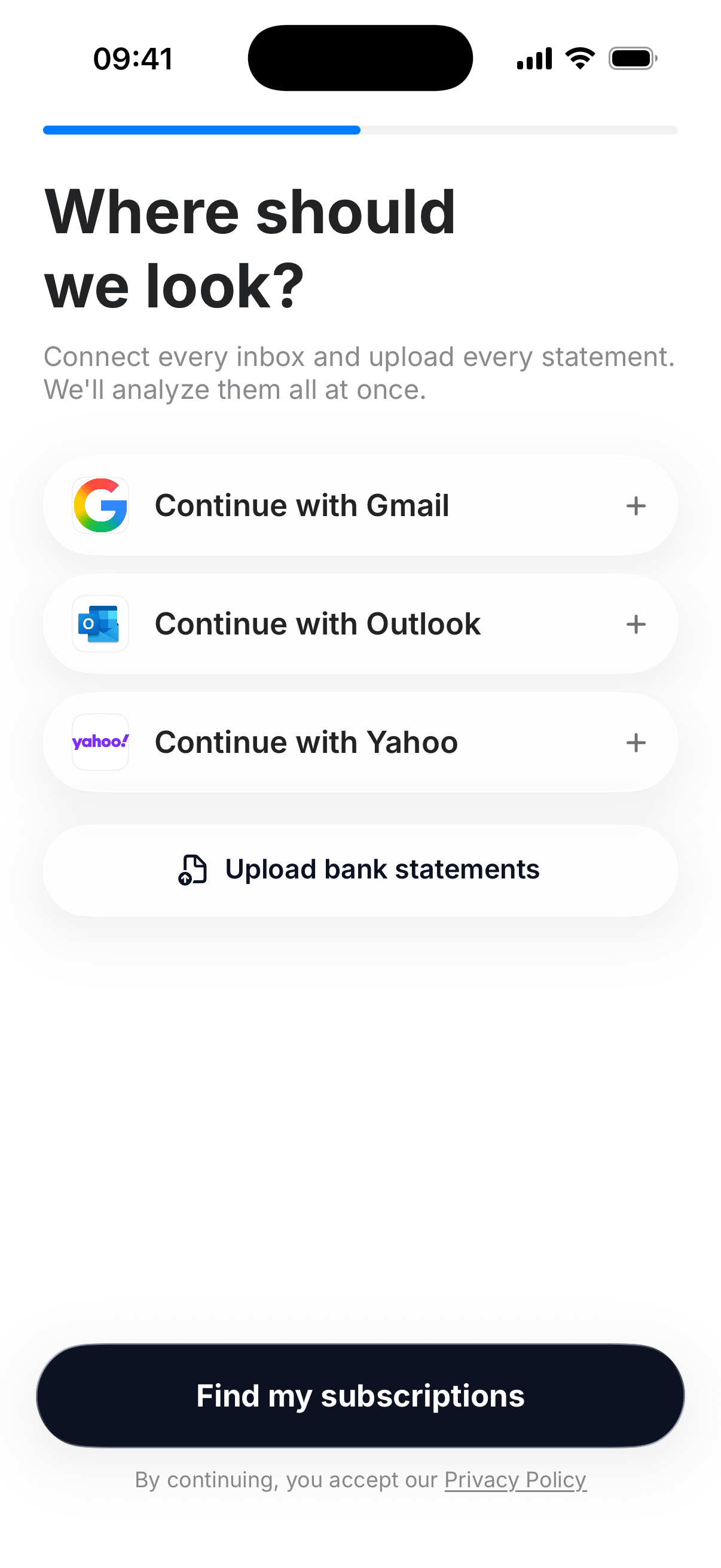
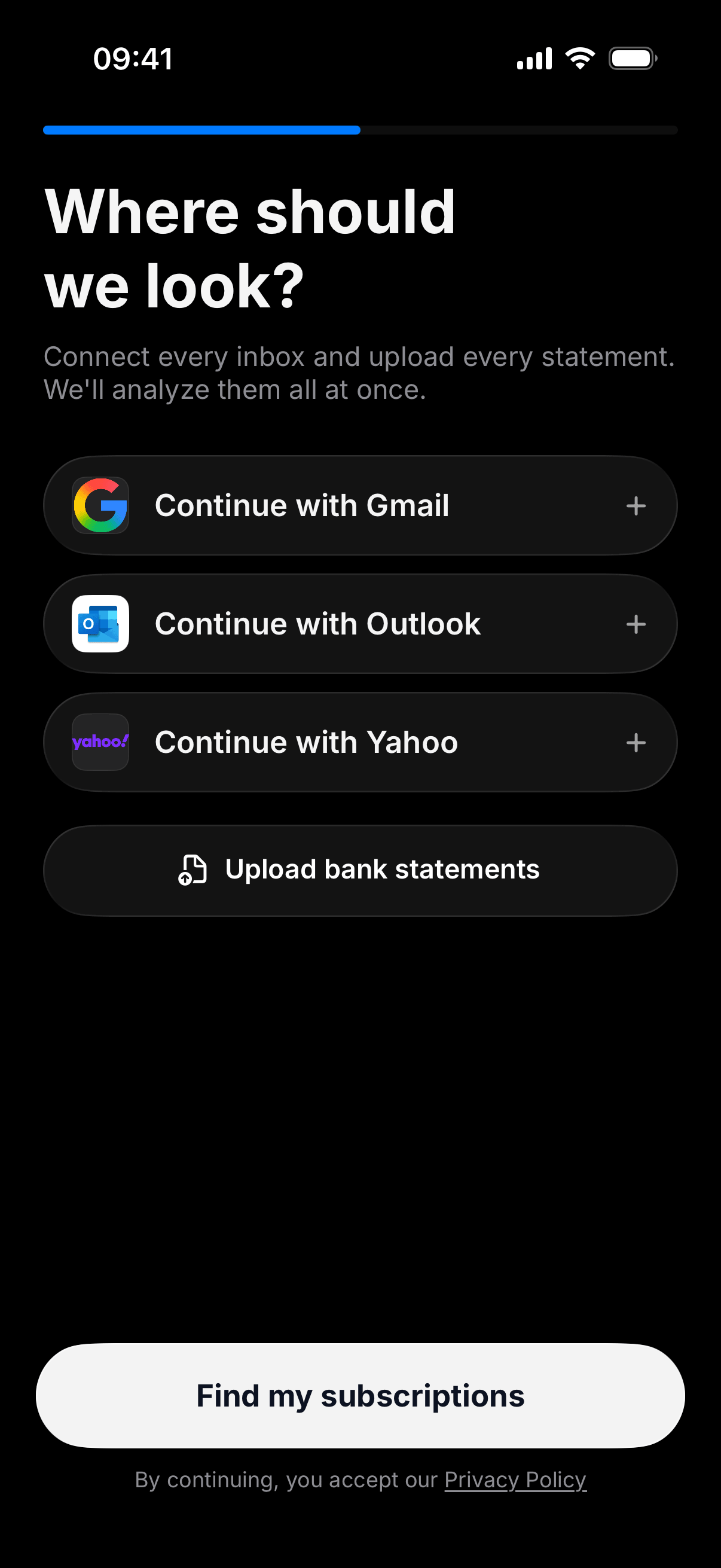
Continue with Gmail or Outlook. Connect a bank through Plaid. Or upload a PDF. We look for repeating charges and match them to brands you already know.
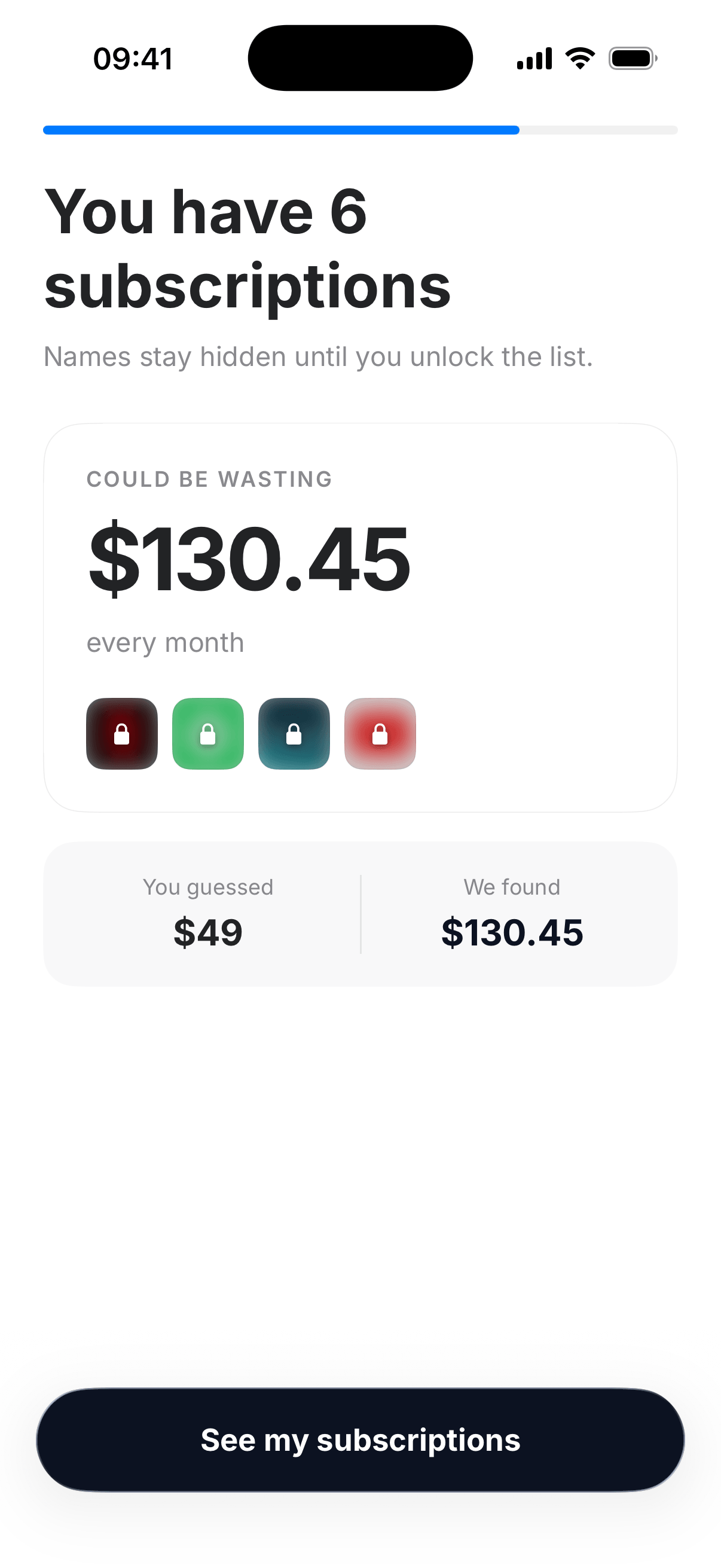
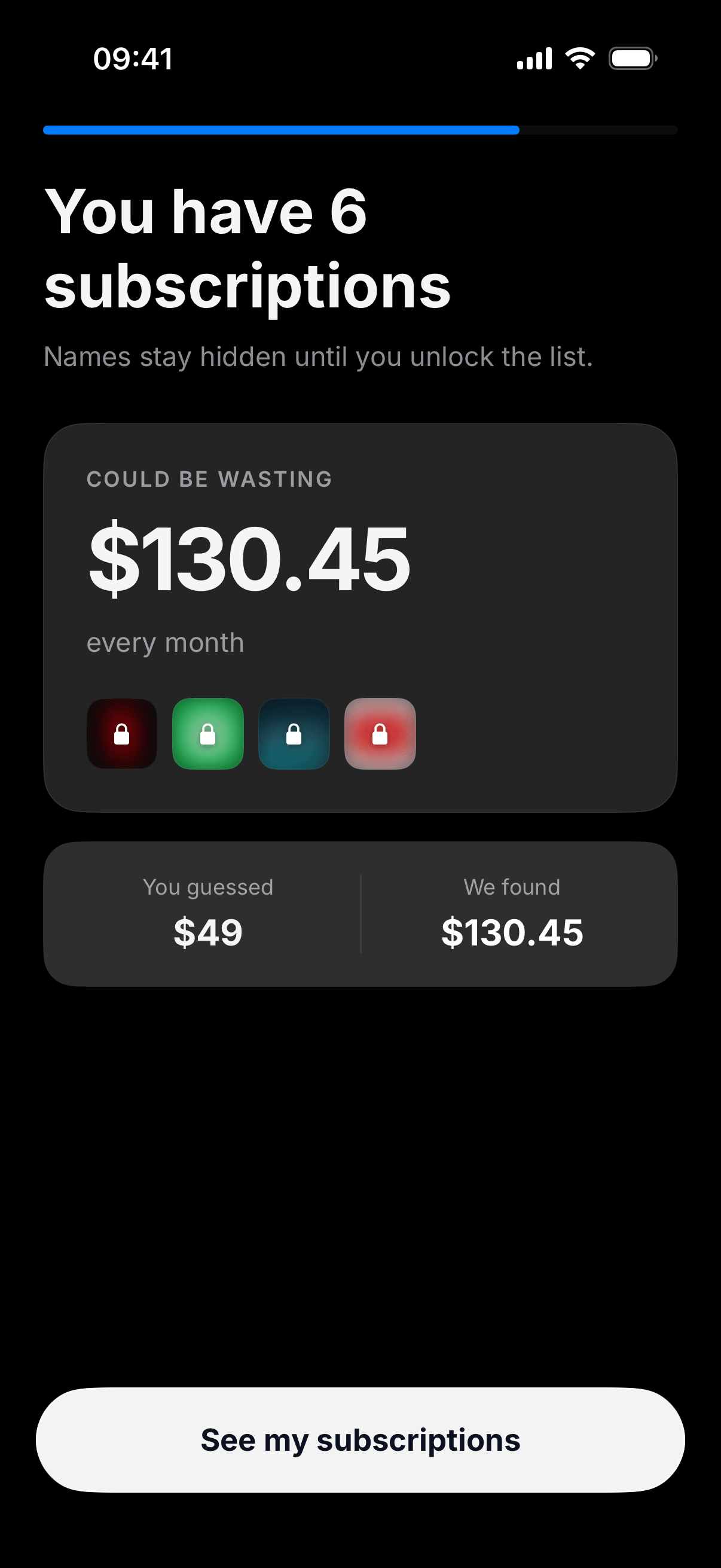
Found
You’ll see how much could be wasting each month. The list of names is yours once you unlock , then you choose what to keep.
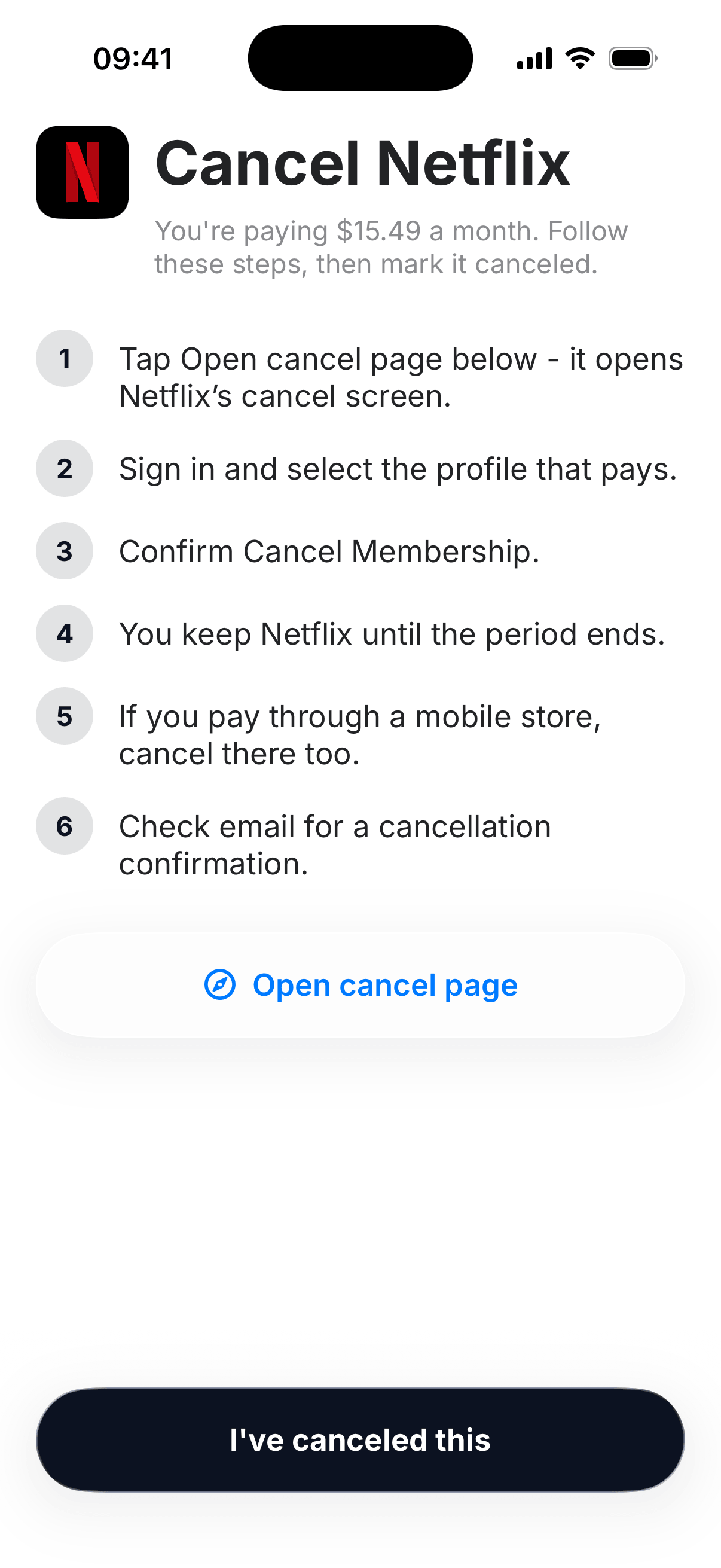
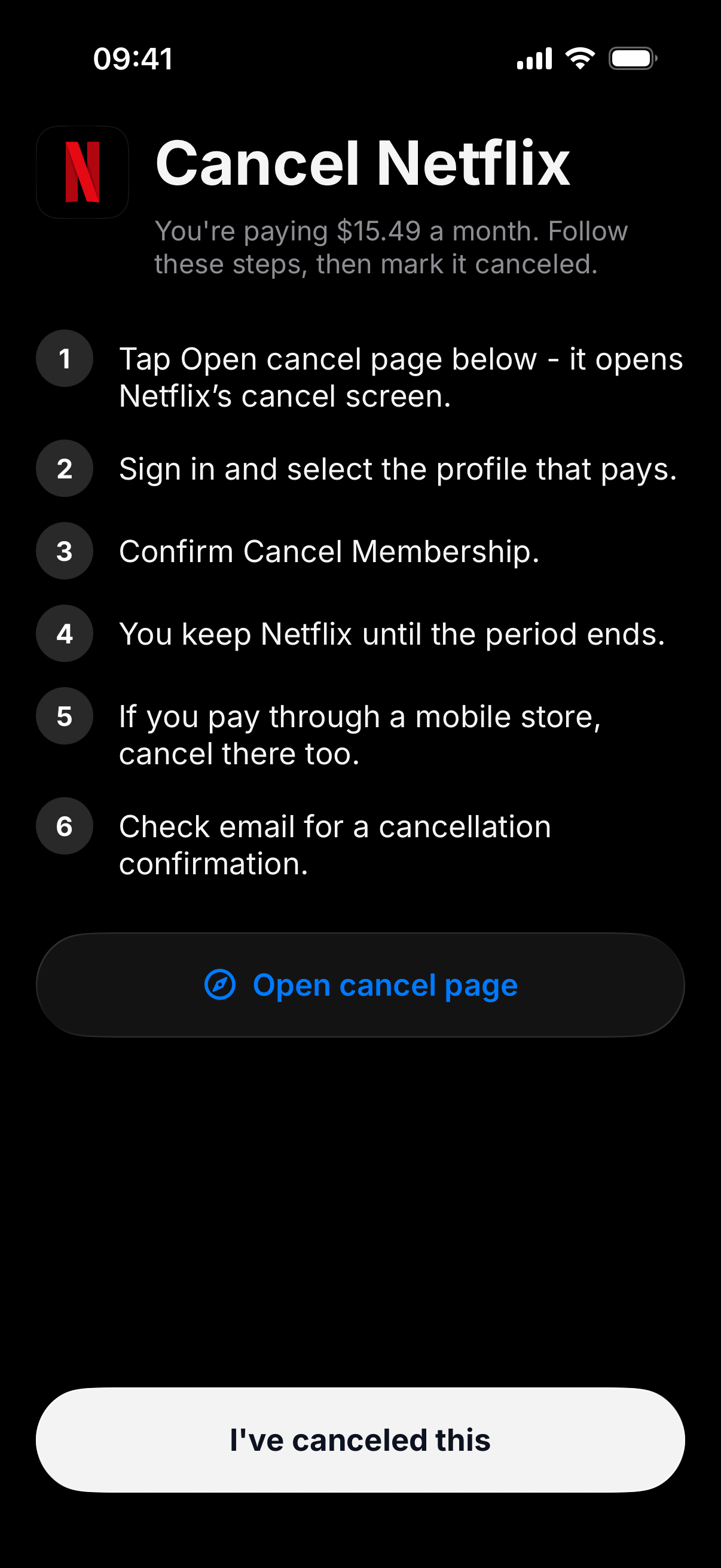
Cancel
Open the cancel page. Follow the list. Mark it canceled. We keep a reminder so the last charge doesn’t surprise you.
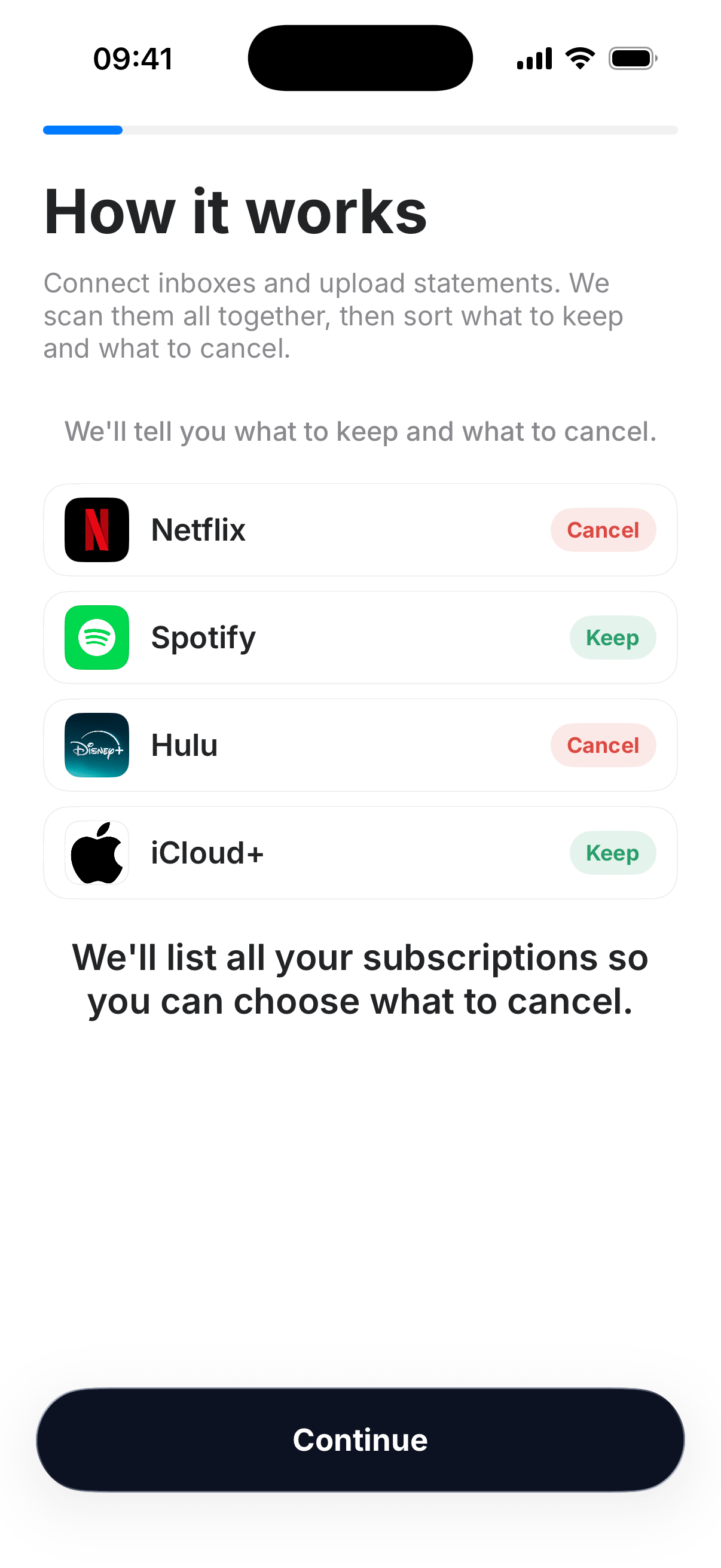
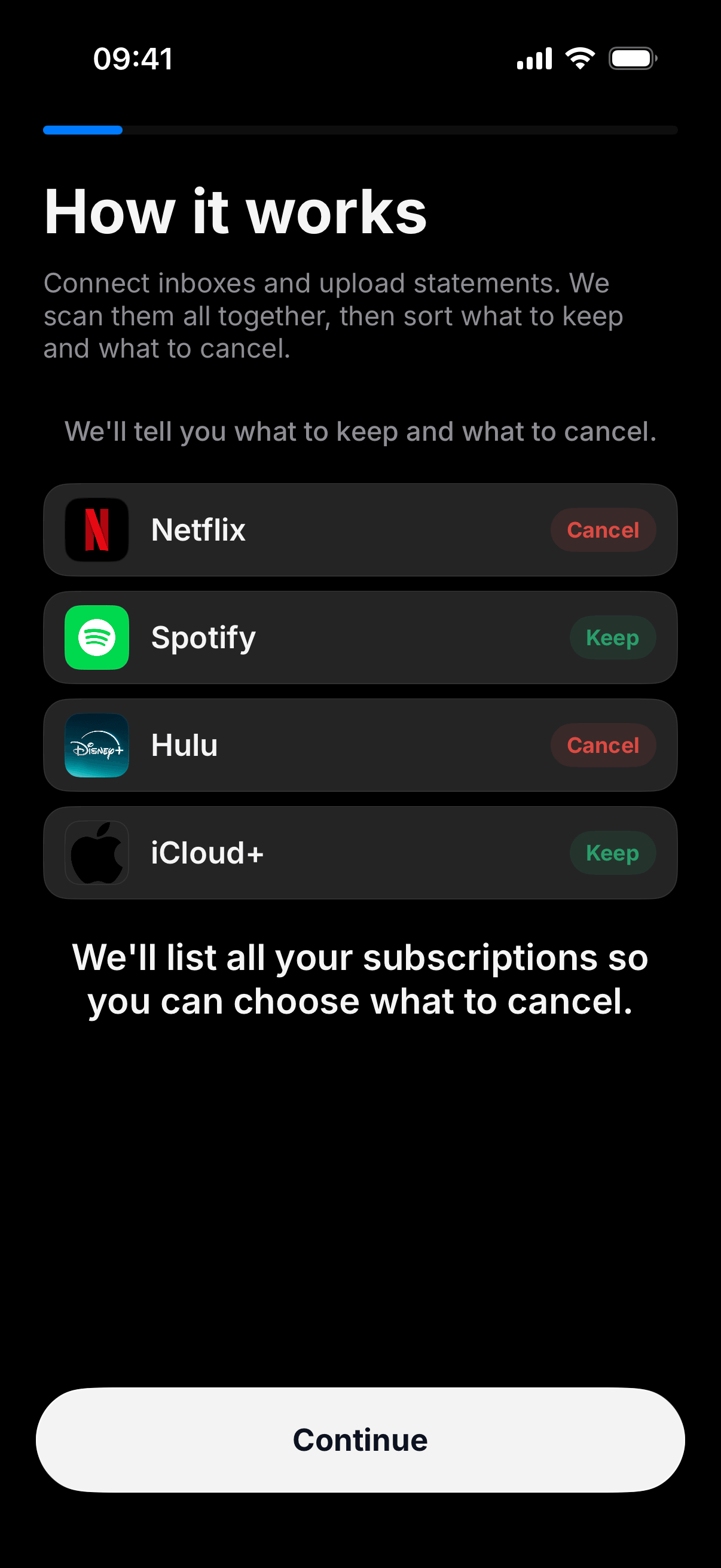
Keep or cancel
Spotify you use. Hulu you forgot. The list is yours , stamp Keep or Cancel and move on.
Pro
The scan is free. Pro reveals every name, with cancel guides and renewal reminders.
See what we found, with amounts.
Exact steps for the brands you pay.
Know before the next charge hits.
Scan mail, a connected bank, or a PDF, as many times as you need.
Privacy
Inboxes are scanned for receipts, then the messages stay where they were. A connected bank is scanned for repeating charges, then the transaction lines are discarded. Your subscription list lives on this device.
Unwanted Subscription’s use of information received from Google APIs adheres to the Google API Services User Data Policy, including the Limited Use requirements.
Read the Privacy Policy Terms of Use Google user data Bank connect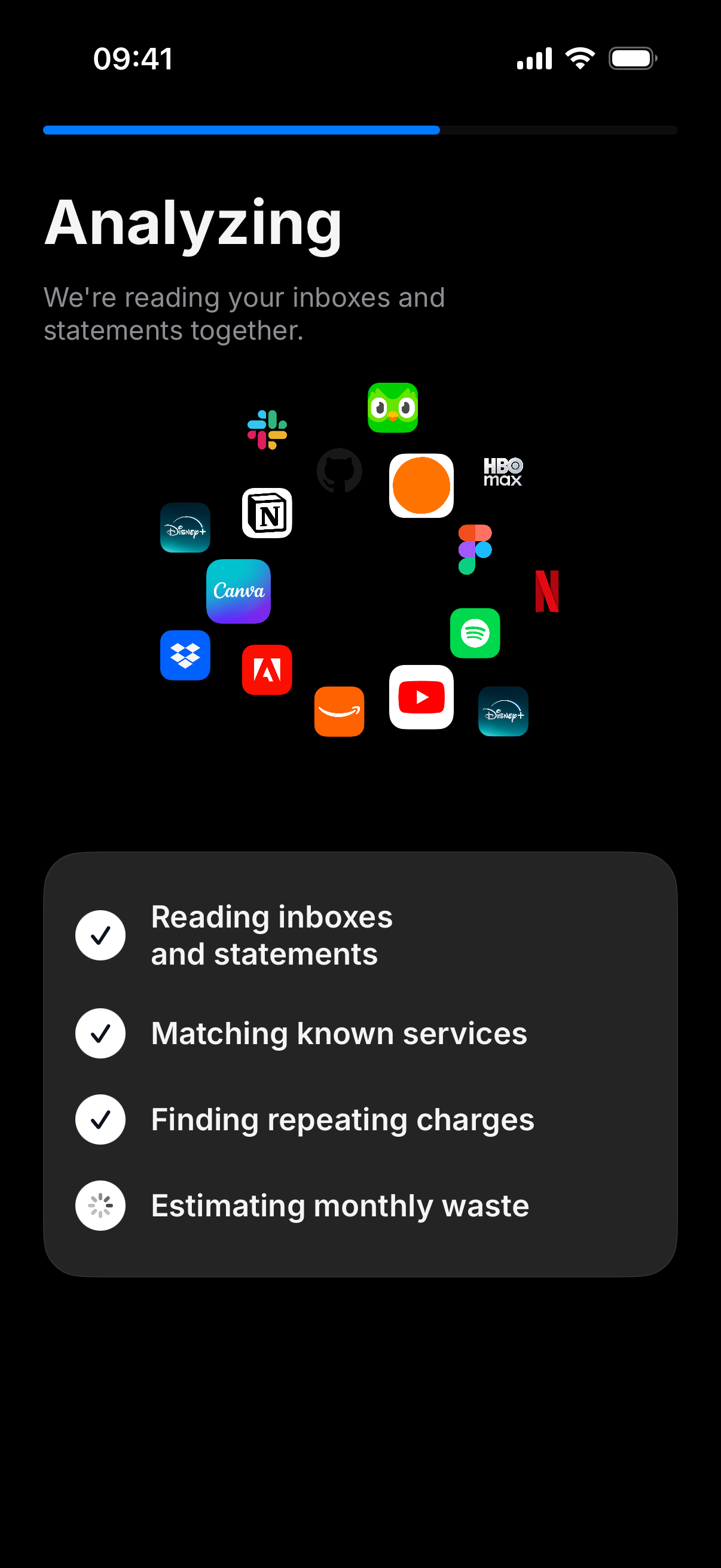
Learn
Real pages for cancel steps, inbox scanning, and the questions people ask before they connect mail.
Netflix, Spotify, Disney+, Adobe, Apple, and the rest , the actual steps.
How to find forgotten subscriptions in Gmail, Outlook, and a bank PDF.
What we read, what we keep, iCloud Mail, and whether we cancel for you.
Inbox or statement. About a minute. The list stays on this device.
Free on the App Store. Ready when you are.