1 · Mail

Read-only Gmail and Outlook

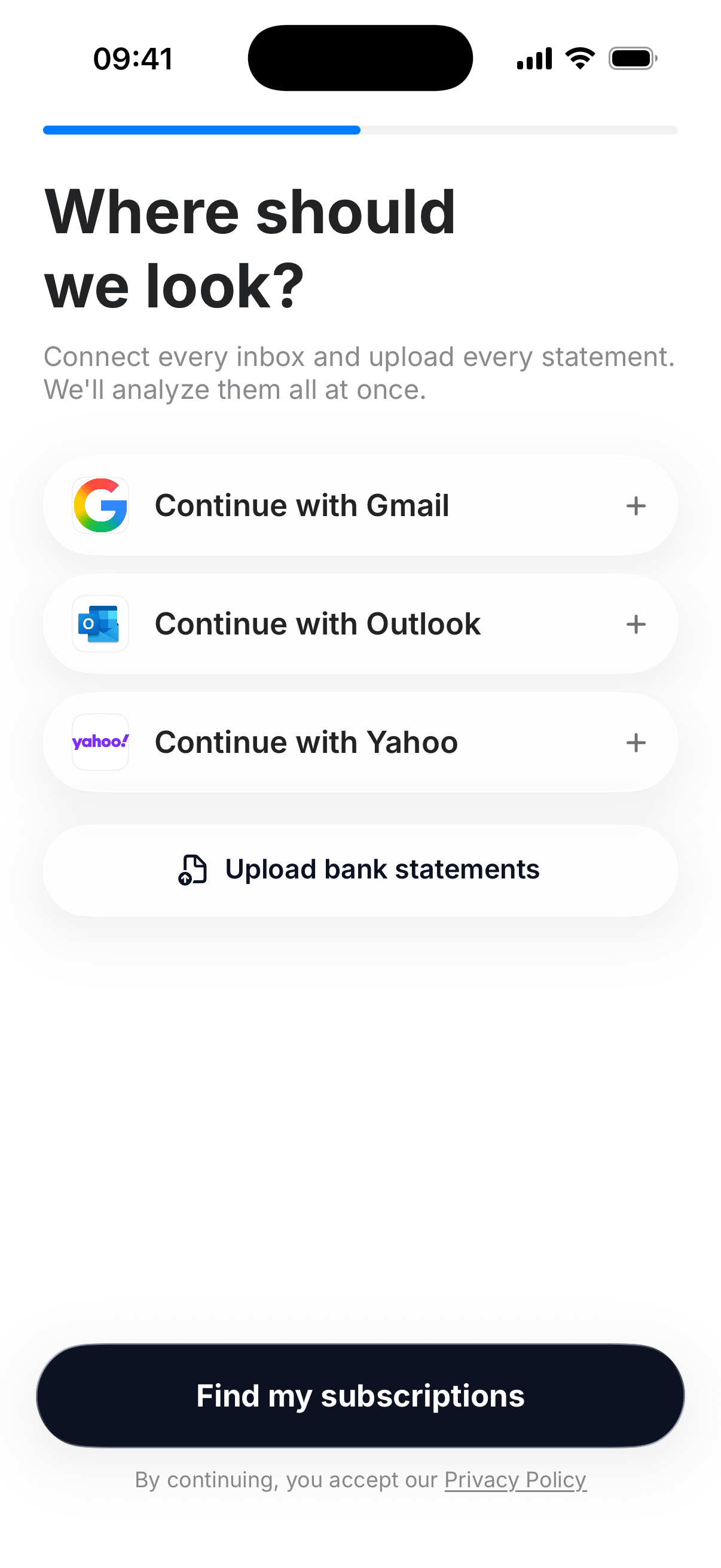
You sign in with Google or Microsoft. We never collect a mailbox password. Permission is read-only: we cannot send, delete, or change mail.

The scan looks at likely receipts , App Store, Google Play, known merchant domains , extracts merchant, amount, and date, then returns a list. Message bodies are not stored.

How to scan Gmail and Outlook

Gmail Outlook
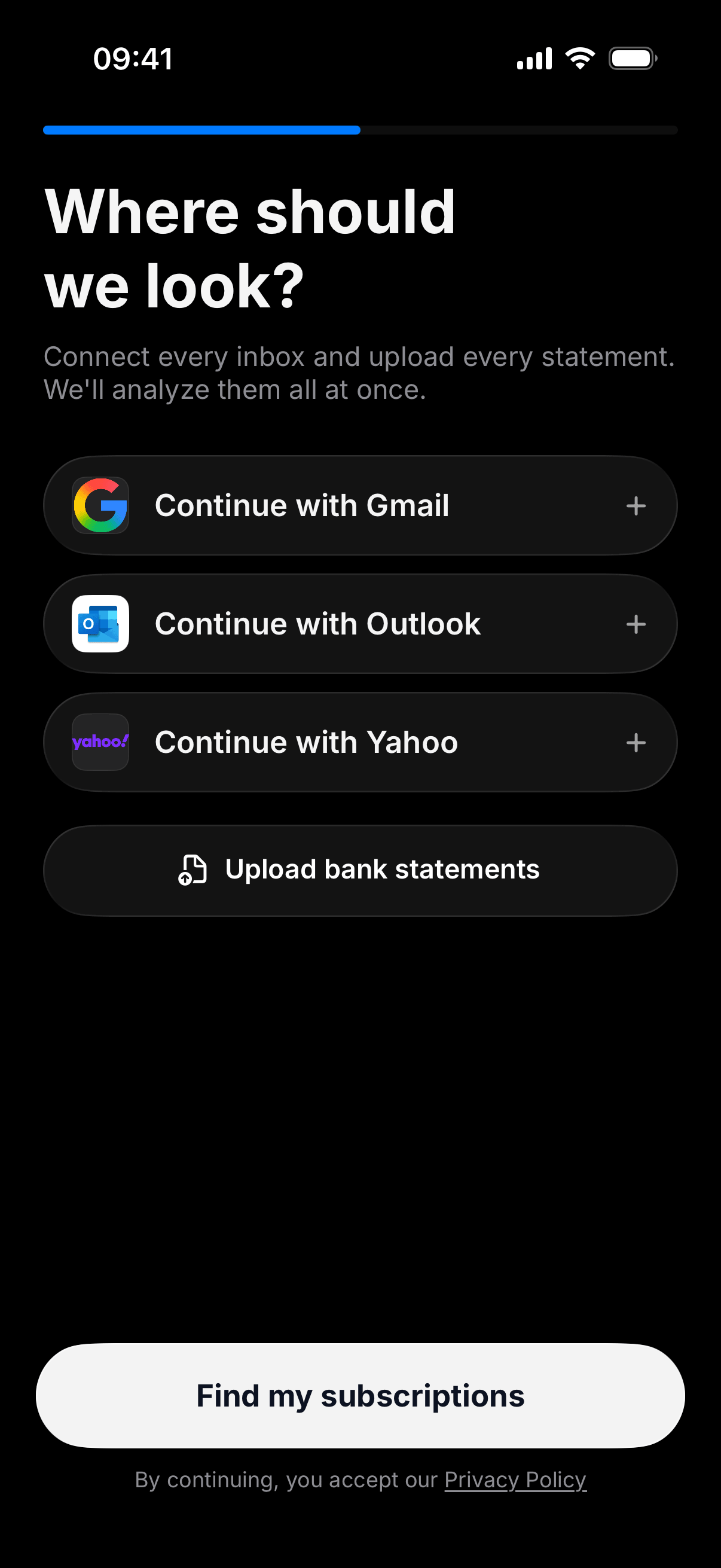
Connect Gmail or Outlook, or upload a statement. Connect Gmail or Outlook, or upload a statement.

2 · Statements

A PDF is the ground truth

Some charges never email you. Download 90 days from the bank or card that actually pays. Recurring names and amounts get matched to known merchants. Unknown repeaters still appear.

PDF files are read on the server and discarded. CSV files stay on the device.

How to read a statement for subscriptions

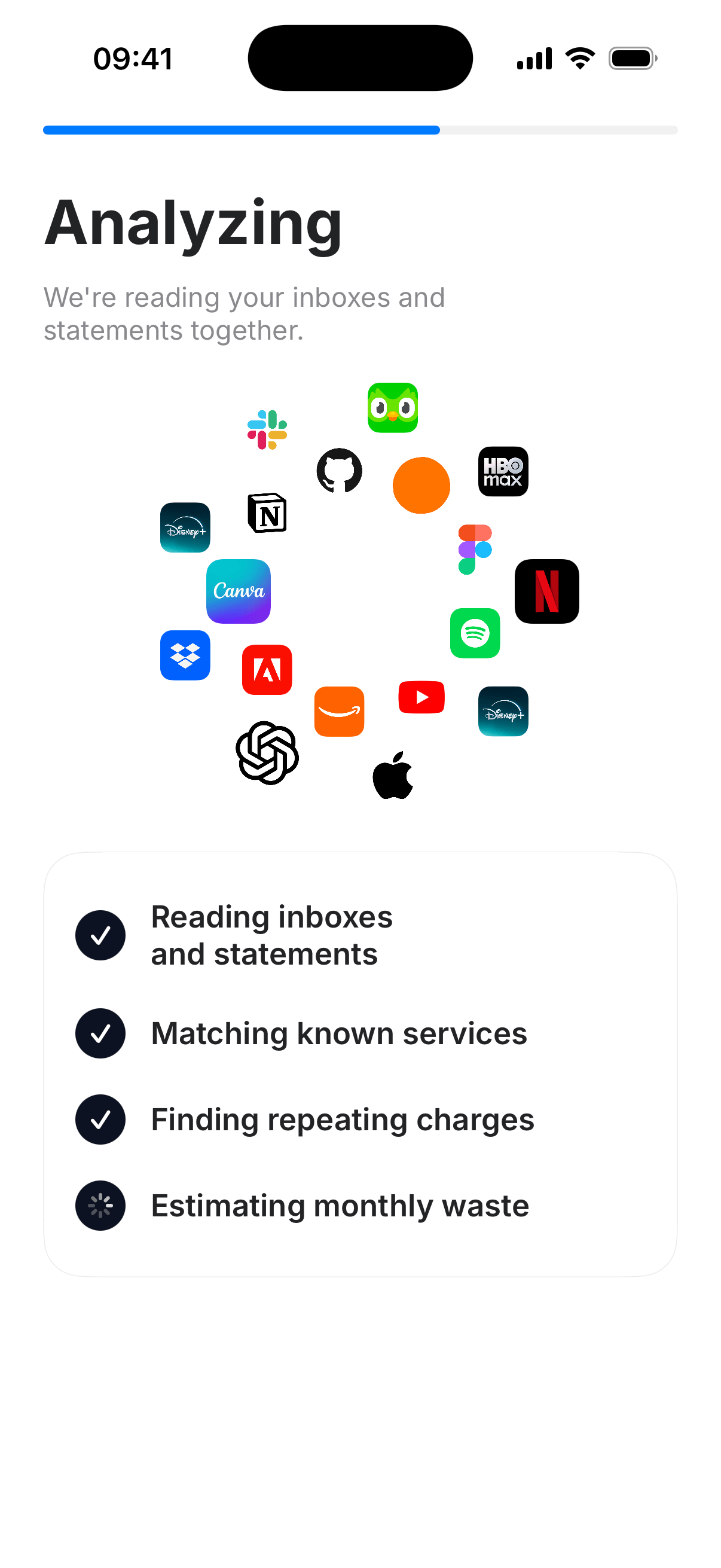
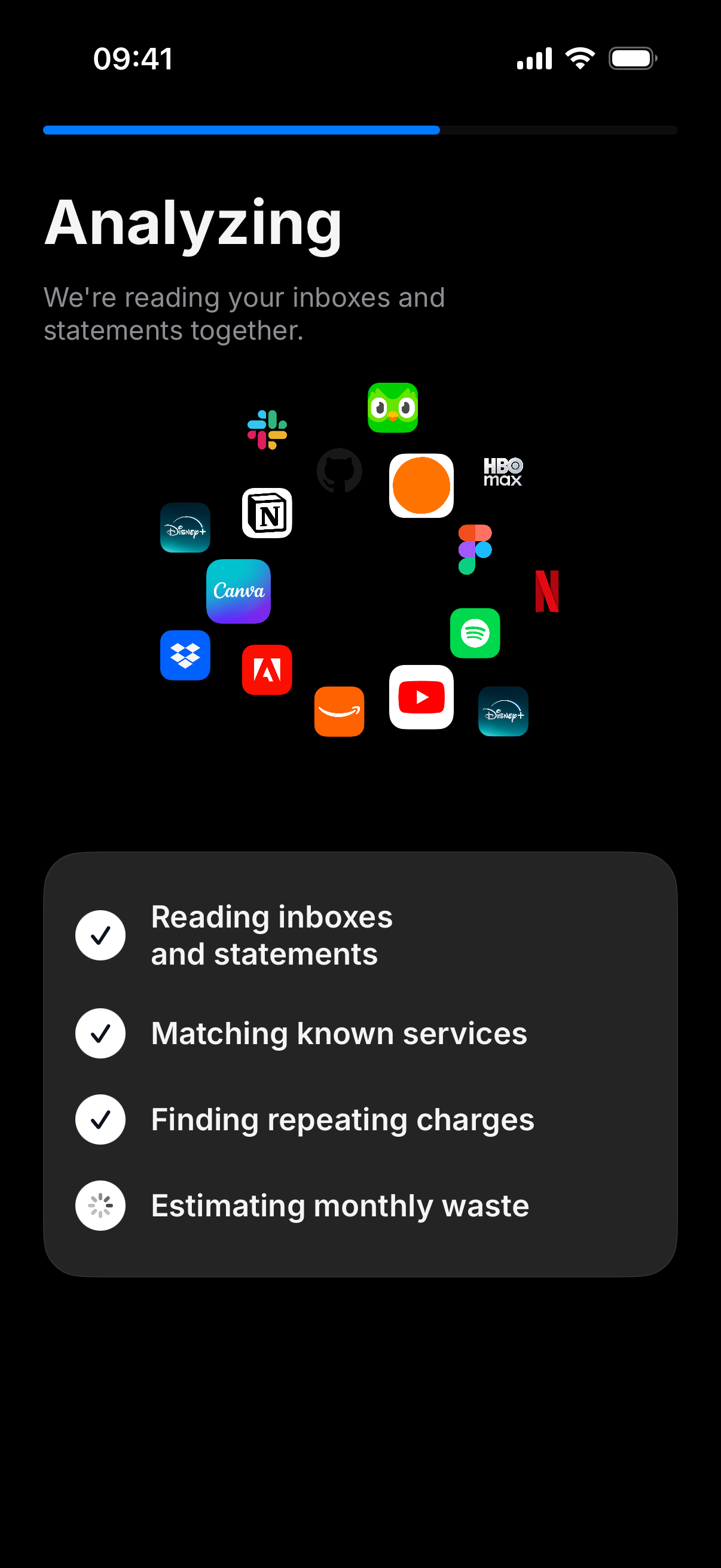
Unwanted Subscription analyzing inboxes and statements. Unwanted Subscription analyzing inboxes and statements.

3 · Decide

Keep or cancel. Then check Apple.

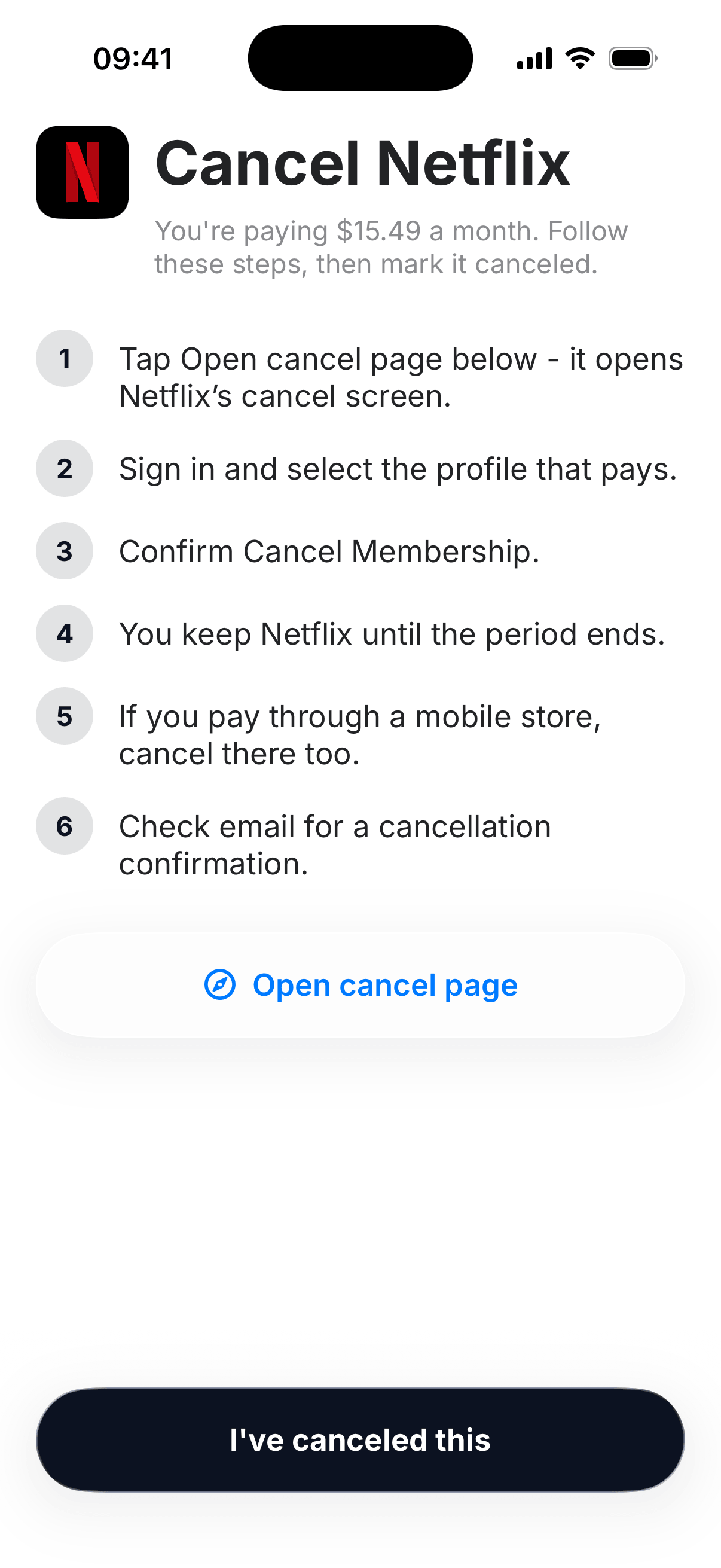
Open the cancel page for the brand. Follow the list. If the receipt said Apple, also cancel in Settings → Subscriptions. Deleting an app does not stop the bill.

Cancel guides · Apple subscriptions

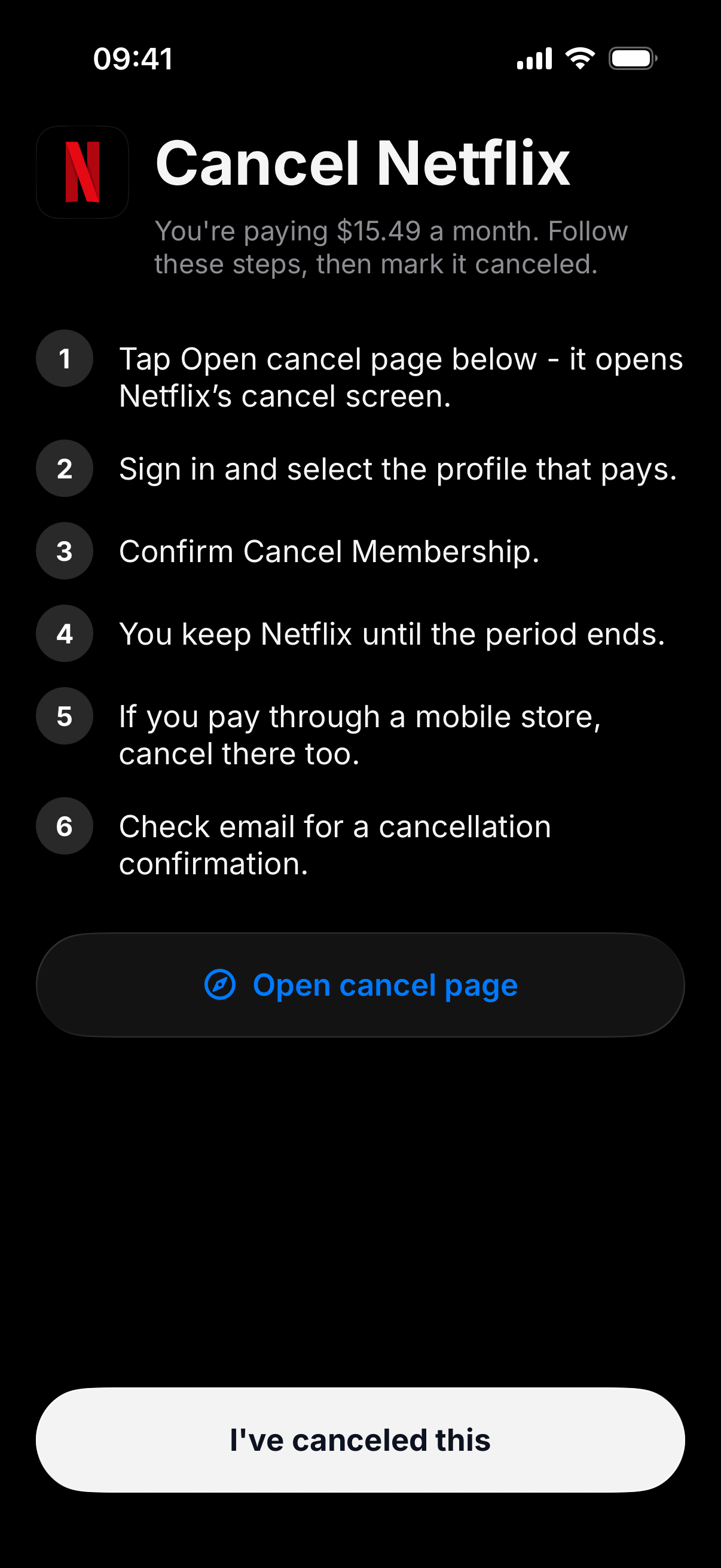
Cancel Netflix with numbered steps. Cancel Netflix with numbered steps.

Limits

What this scan will not do

No iCloud Mail

Apple does not let third-party apps OAuth into iCloud. Use Gmail, Outlook, or a statement. Why iCloud is blocked.

No bank login

You pick a file. There is no open-banking scrape and no card number.

No cancel for you

You confirm with Netflix, Spotify, Apple, or whoever bills. Safer, and how those services work.

Not a perfect ledger

Scans can miss a charge or match the wrong brand. Check the merchant before you cancel.

Stop paying for what you don’t use.

Free on the App Store. Ready when you are.